Spreadsheets vs. a time clock: when manual tracking stops working
Why do spreadsheets stop working for attendance?
What does a time clock change?
What should a reliable attendance record include?
When is it time to move off the spreadsheet?
What does manual tracking cost at the end of the pay period?
How do you switch without disrupting work?
What should you ask before choosing a time clock?
How Workforce helps
Frequently asked questions.
Related articles
How to close the pay period without chasing timesheets
Attendance across multiple locations: one version for every site
See it on your own operation.
Platform
Solutions
Industries
Company
Enigma Workforce for growing teams: time, schedules, and projects in one place, with support in English. See the platform
Organize
Track
Manage
Improve
Attendance
Operations
Administration
Not sure where to start?
Resources · Attendance
A spreadsheet works while one person tracks a small team in one place. Add shifts, locations, overtime, or field staff, and it only records what someone had time to type in.
November 16, 2026 · 5 min read · Enigma Workforce team
Key takeaways
A spreadsheet calculates well, but it can't tell you who entered a number or why it changed.
Manual tracking breaks down with shifts, several locations, overtime, or field staff.
A time clock records each punch as it happens, linked to the person, shift, and location.
Switch in stages: one team first, side by side with the spreadsheet for one pay period.
A spreadsheet works for attendance while one person tracks a small team in one place. It stops working when you add shifts, a second location, overtime, or people in the field. From then on, the sheet no longer records what happened. It records what someone had time to type in.
Because a spreadsheet is built to calculate, not to record. It accepts whatever you type, and it can't tell you who typed it, when, or why it changed. With a small team you barely notice. As the team grows, problems like these start to show:
A cell changes and nobody knows who changed it or why.
Every location builds its own template, and someone merges them by hand.
Late arrivals and absences get entered days later, from memory.
Overtime shows up in the sheet before anyone approved it.
The whole process depends on the one person who knows how the file works.
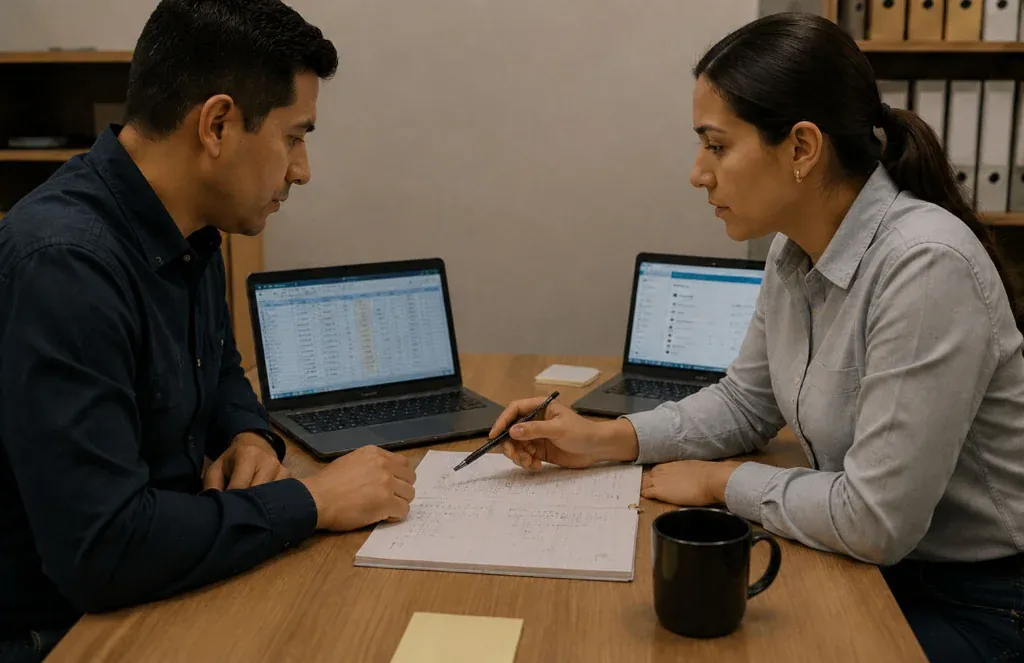
Picture an ordinary Monday. A supervisor sends a photo of Friday's sign-in sheet, someone types it in on Tuesday, and on Wednesday an employee asks why they were marked absent. Answering means finding the photo, the person who typed it, and the supervisor.
None of this is the spreadsheet's fault. The problem is asking it to be an attendance record, a job it was never designed for.
It changes where the data comes from. Nobody enters the hours later on someone else's behalf. Each employee records the time at the moment they start or stop, and the punch stays linked to that person, their shift, and the place where it happened. That lets you answer questions a spreadsheet can't settle with confidence:
Who clocked in, and when did they leave?
Which location did the punch come from?
Was there overtime, and who approved it?
Was a punch corrected later, and by whom?
The difference isn't the screen. It's being able to rebuild what happened without relying on anyone's memory.
Enough to answer a question about someone's hours without calling anyone. Whatever tool you use, if one of these is missing, somebody will have to rebuild it later:
Who made the punch.
The date, the start time, and the end time.
The place where it was made.
The shift that person was scheduled for.
Who approved or corrected it, and when.
When two or more of these signs sound familiar. One of them can be managed with discipline. Several together mean manual tracking now costs you more than it saves.
You have more than one location.
You run rotating shifts.
Part of your team works in the field.
You pay overtime often.
Supervisors report hours by text message or email.
Closing a pay period means merging several files.
Questions about someone's hours can't be settled with data.
Time, mostly, and it gets spent at the worst moment. When attendance arrives incomplete, someone uses the last days of the period to ask what happened with each absence, each time-off request, and each hour of overtime.
Mistakes that slip through end up in someone's pay and have to be fixed in the next period. If that sounds familiar, read how to close the pay period without chasing timesheets .
In stages, with the rules settled before the tool. Changing the whole company at once tends to create pushback. Moving one team at a time lets you adjust as you go.
Start with one site or one team.
Write down the rules: grace periods, who approves, and who can correct a punch.
Run the spreadsheet and the time clock side by side for one pay period, then compare.
When the numbers match, keep the spreadsheet for what it does well: analysis.
Ask how it handles your everyday situations, not only the ideal day. A short list helps you compare options on equal terms:
Can people clock in from a phone or a tablet they already have?
What happens when someone forgets to clock out?
Who can correct a punch, and is the change recorded?
Can each location have its own overtime rules?
Can approved hours be exported for your payroll provider?
The rules for overtime and record keeping depend on where you operate. Confirm them with your advisor before you configure anything.
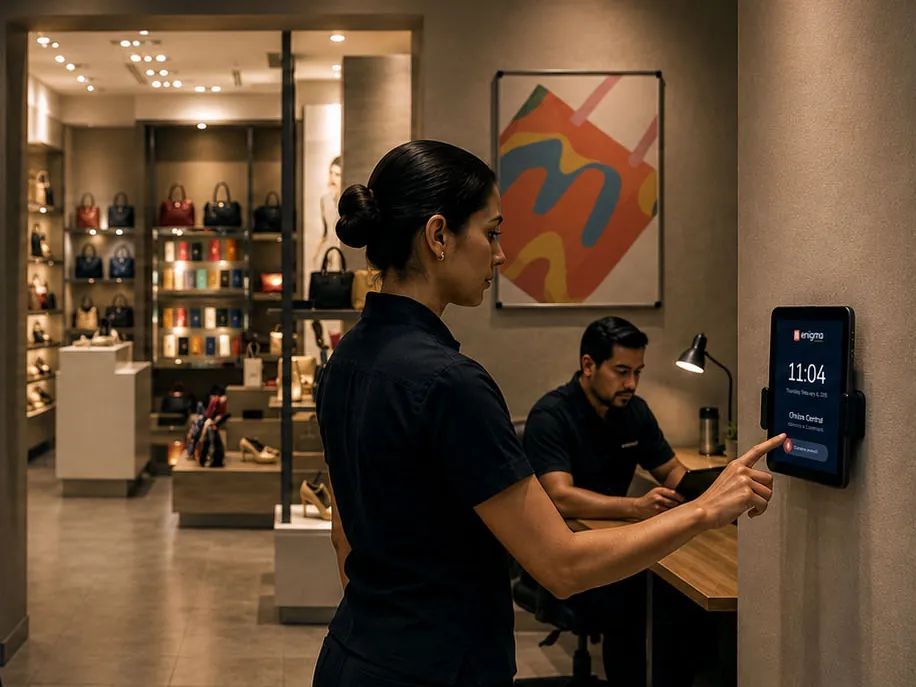
With the Time Clock in Enigma Workforce, employees clock in from a phone, a kiosk, or a biometric reader. Every punch arrives with its person, shift, location, and evidence. Your team approves and corrects from the same screen, and rejected attempts stay in plain sight.
When the period closes, Workforce hands the approved hours to the payroll provider you already use . To see it on your own operation, book a demo .
Questions
It can be. If one person tracks a small team in one place and hours rarely change, a spreadsheet does the job. The trouble starts with shifts, more locations, or frequent overtime.
Not necessarily. With Workforce, punches work from a phone or a tablet. If your operation needs kiosks or biometric readers, they're considered in the proposal.
Yes. Spreadsheets are still useful for analysis. What changes is the source: hours are recorded in the time clock, and reports can be exported when you want to study them.
Keep reading
Payroll prep · 5 min read
A pay period closes on time when hours and exceptions are approved during the period, not on the last day. Five habits and a weekly review get approved hours ready before the cutoff.
Read article
Operations · 5 min read
One version of attendance takes rules written down in one place, one owner at each site, and a single system where every punch lands, whatever method each location uses to clock in.
Read article
In the demo we use your shifts, your locations, and your pay periods.
Enigma Workforce is the modular workforce ecosystem that connects your organization, attendance, projects, payroll prep, records, and insights. Part of EnigmaSuite .
My Organization
Time Clock
Projects
Payroll prep
Employee Portal
Employee Records
Insights
Talent and Development
Integrations
Time and attendance
Digital time clock
Biometric time clock
Field teams
Shift scheduling
Payroll prep
Manufacturing
Logistics
Retail
Construction
Services
Companies with an ERP
Book a demo
Pricing
Resources
Customer sign-in
Privacy notice
Trust center
Español
English


 See the platform
https://enigmaworkforce.com/workforce/en
Time and attendance
Tell us what you need to solve We'll show you the modules that fit your operation. Book a demo
Manufacturing Rotating shifts and plant staff.
Pricing
Resources
ES
close the pay period without chasing timesheets
Operations · 5 min read Attendance across multiple locations: one version for every site One version of attendance takes rules written down in one place, one owner at each site, and a single system where every punch lands, whatever method each location uses to clock in. Read article
EnigmaSuite
Customer sign-in
Privacy notice
Trust center