Your team, shifts, time, and projects in one place.
One structure
Attendance with context
Payroll without rework
Decisions before the cutoff
HR shouldn't have to run on scattered information.
One ecosystem to connect your organization, time, work, and records.
Organize
Track
Manage
Improve
Start with what takes the most time today.
What's happening in your operation, before the period closes.
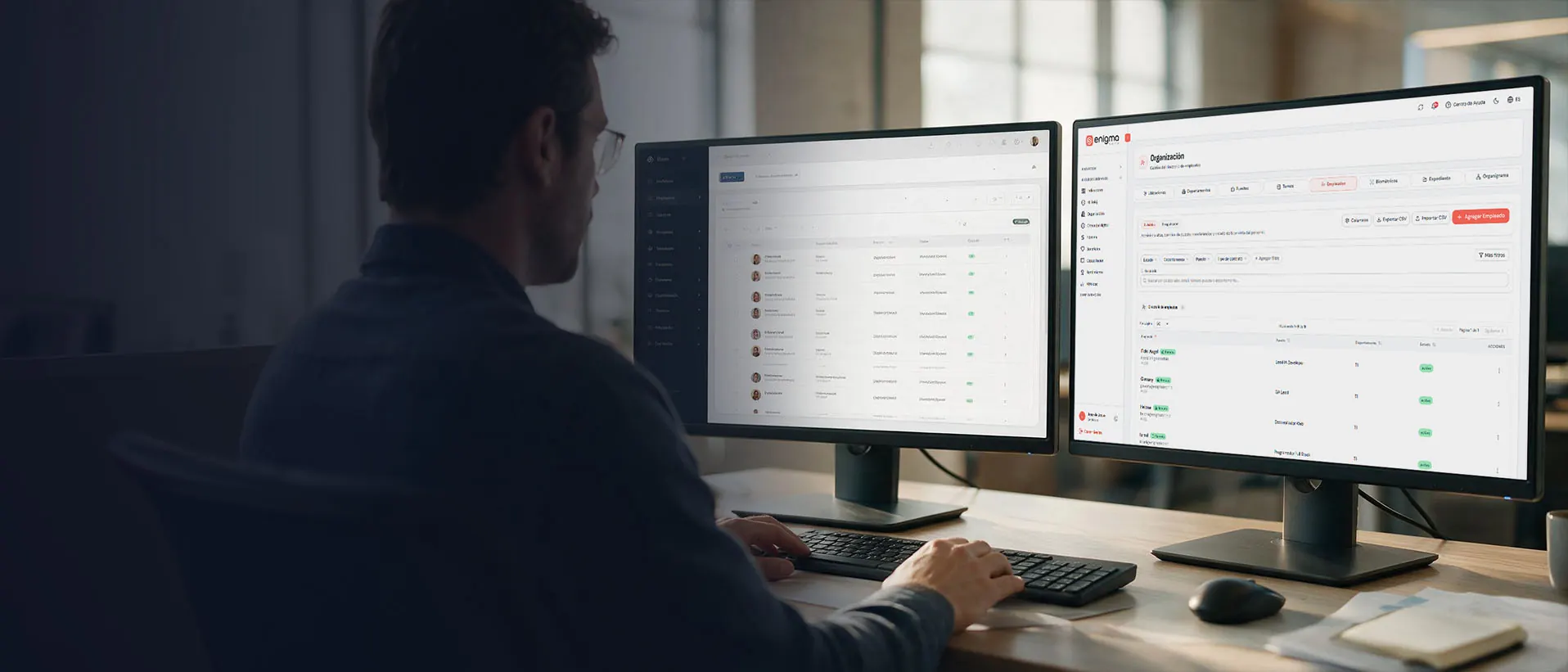
One company. One structure.
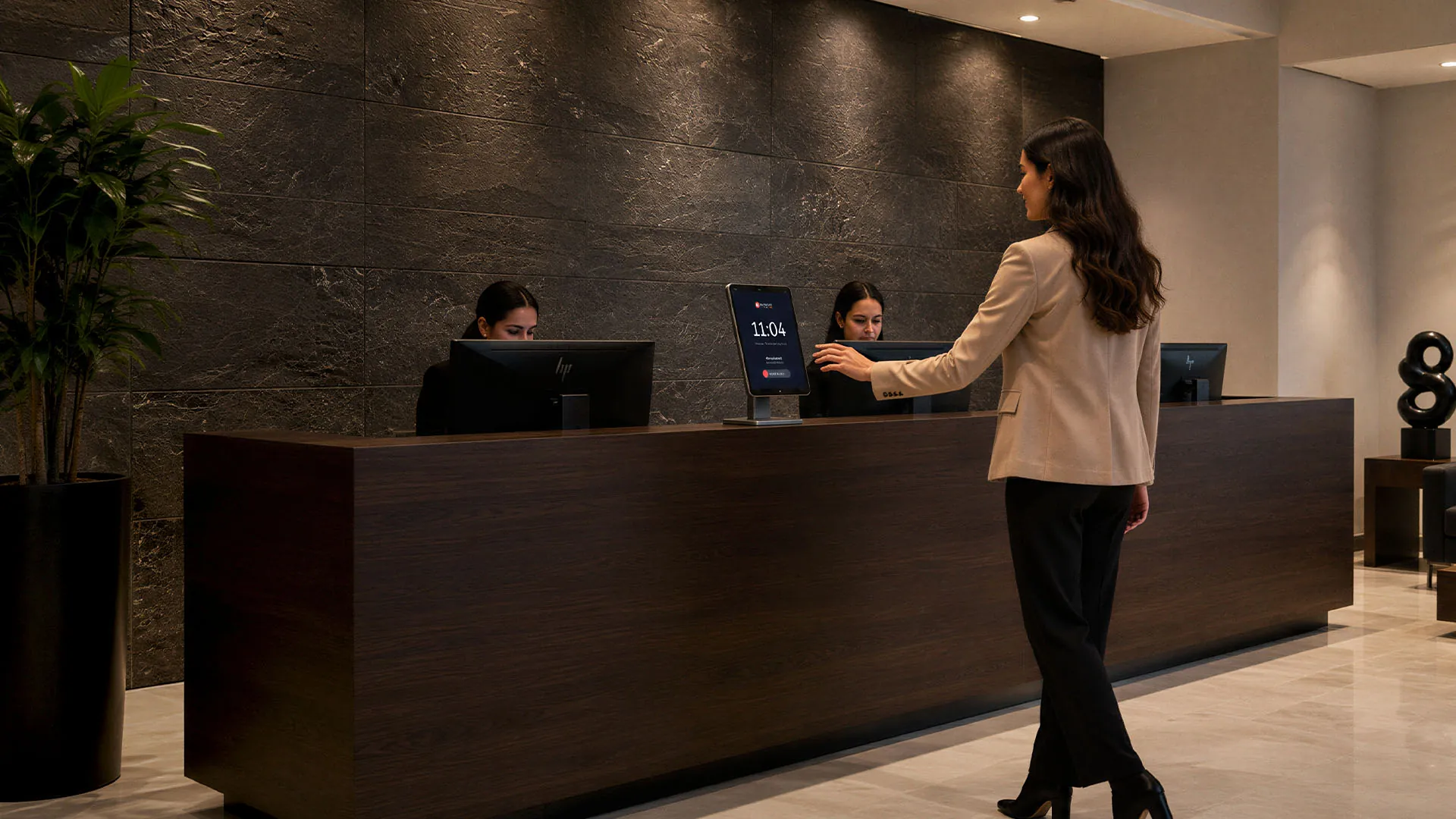
Knowing someone clocked in is only the beginning.
Payroll doesn't start with the calculation.
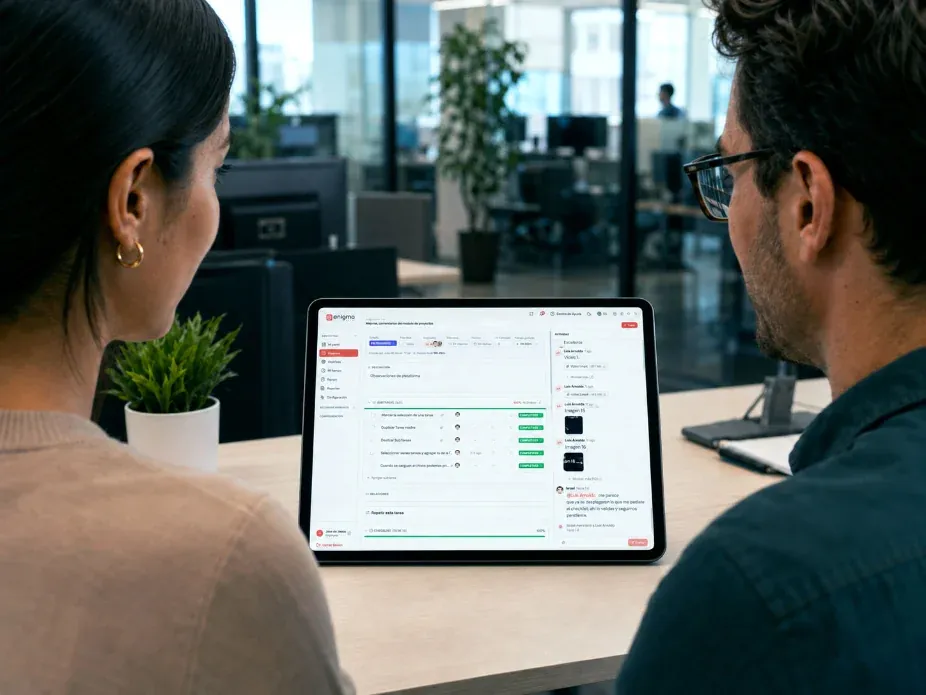
Your teams' tasks, time, and progress, in order.
Fewer questions for HR. More answers for everyone.
You don't need to replace everything to start connecting.
What happens today should reach the next process without being rebuilt.
Not every company needs to start with the same problem.
If every pay period starts by reconciling punches and exceptions, the problem sits upstream of payroll.
A clock can tell you when. Workforce helps you understand what happened.
When there's a dispute, knowing who made the punch changes the conversation.
Every location can have its own supervisor. The company needs a single version of attendance.
Having people outside a branch shouldn't mean losing visibility.
An uncovered shift is an operations problem before it becomes an HR data point.
HR shouldn't close the period chasing information.
If tasks, time, and people live apart, someone ends up assembling the information later.
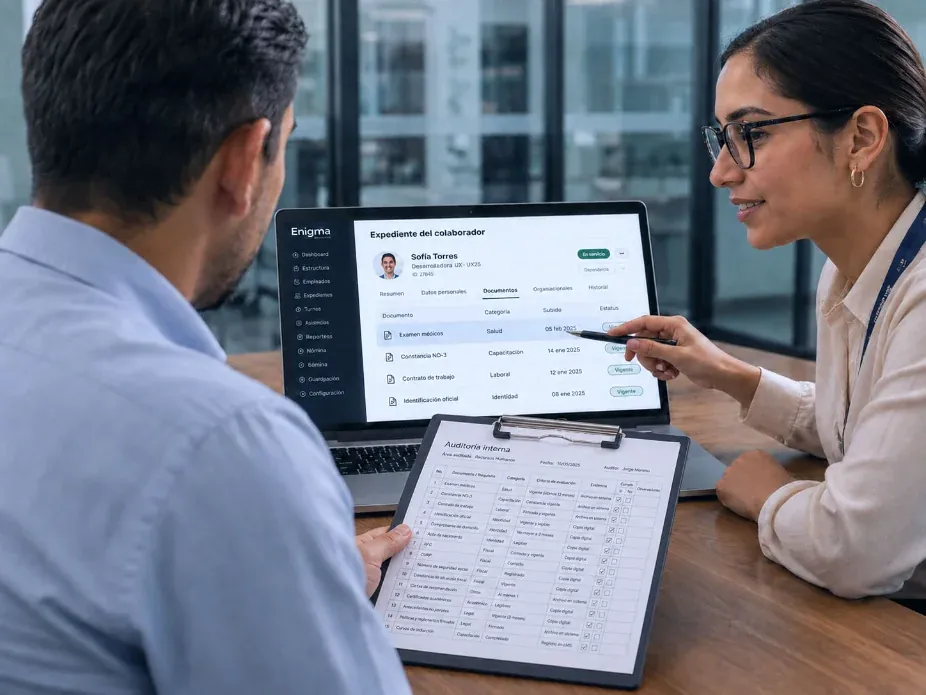
Staying compliant isn't just having documents. It's finding the evidence when you need it.
Workforce adapts to the way your team really works.
An incomplete shift hits the operation before it shows up in HR's report.
Route, warehouse, and customer are all part of the same workday.
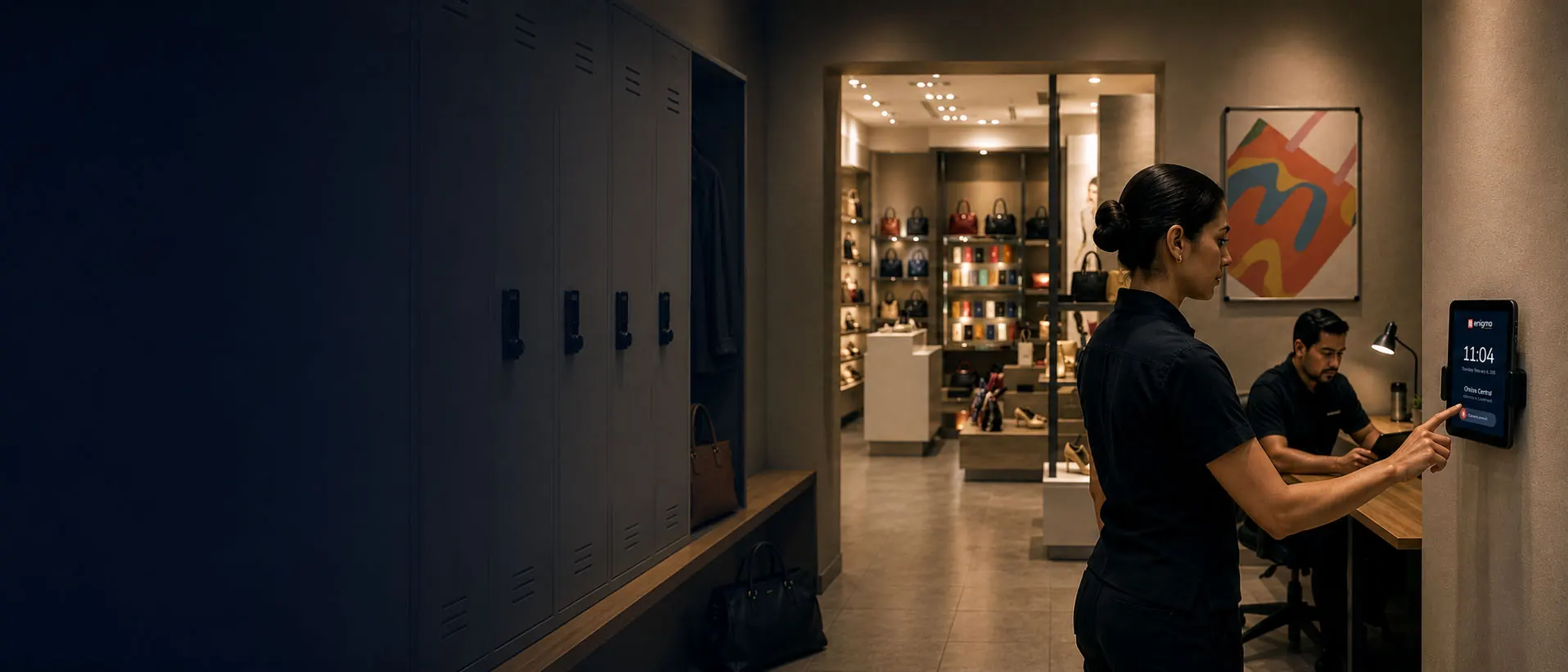
Every store has its supervisor. The company needs one way to manage attendance.
A worker can move between job sites. Their hours and their evidence shouldn't get lost.
When everyone works somewhere different, knowing they “did work” no longer tells the whole story.
Sometimes you don't need another system. You need the ones you have to share the same information.
Configure Workforce around your operation.
Run your workforce with fewer surprises at every cutoff.
Spreadsheets vs. a time clock: when manual tracking stops working
How to close the pay period without chasing timesheets
Attendance across multiple locations: one version for every site
100% tailored to your operation.
Assessment
Configuration
Activation
Training
Follow-through
Frequently asked questions.
Turn what happens every day into information you can act on sooner.
Let's build your Enigma Workforce configuration
Platform
Solutions
Industries
Company
Enigma Workforce for growing teams: time, schedules, and projects in one place, with support in English. See the platform
Organize
Track
Manage
Improve
Attendance
Operations
Administration
Not sure where to start?
Enigma Workforce | Workforce management
Enigma Workforce connects what happens with your team every day: who works, where, on which shift, what changed, and what reaches payroll.
Start with what's most urgent · Add modules when you need them · Support in English
Locations, positions, shifts, and people in one source.
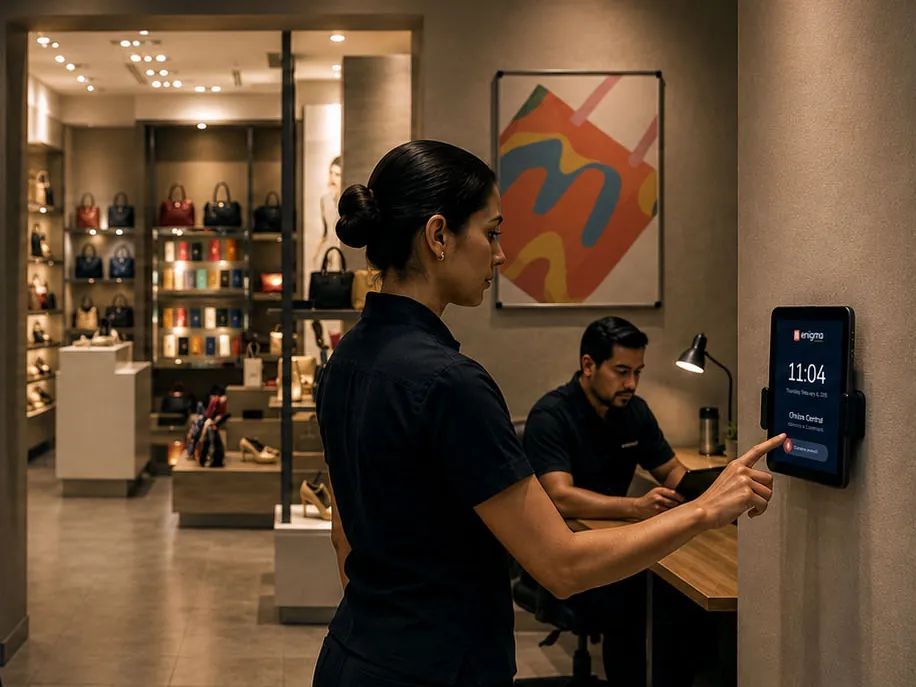
Every punch knows where, which shift, and who approved it.
What was approved in the period arrives ready for payroll.
Insights that warn you while you can still act.
My Organization
Time Clock
Shift scheduling
Exceptions
Payroll prep
Projects
Timesheets
Employee Portal
Employee records
Insights
Integrations
What's causing problems in your operation?
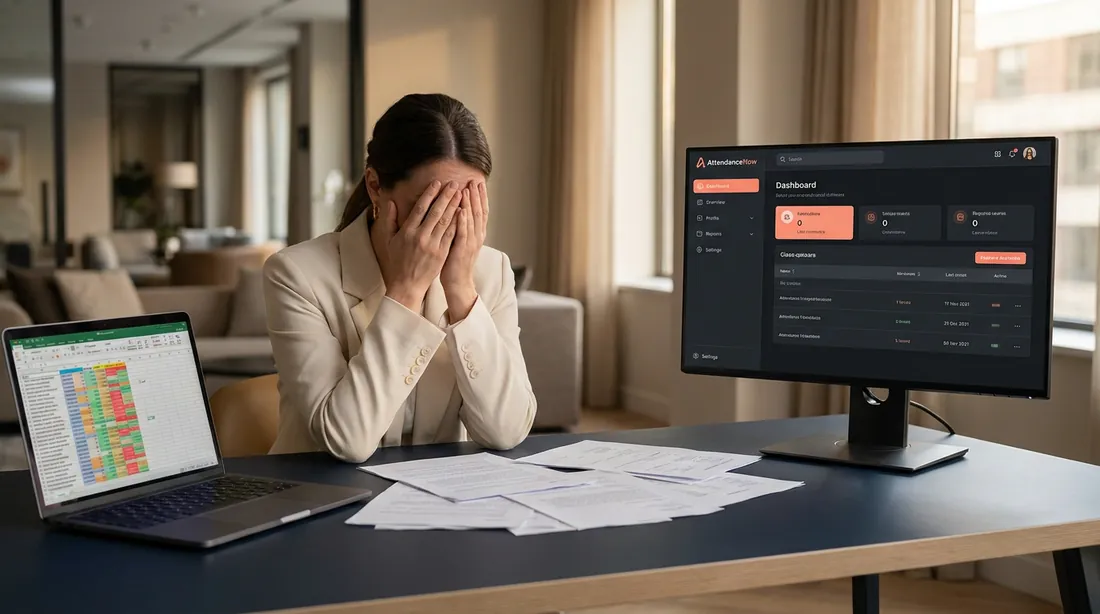
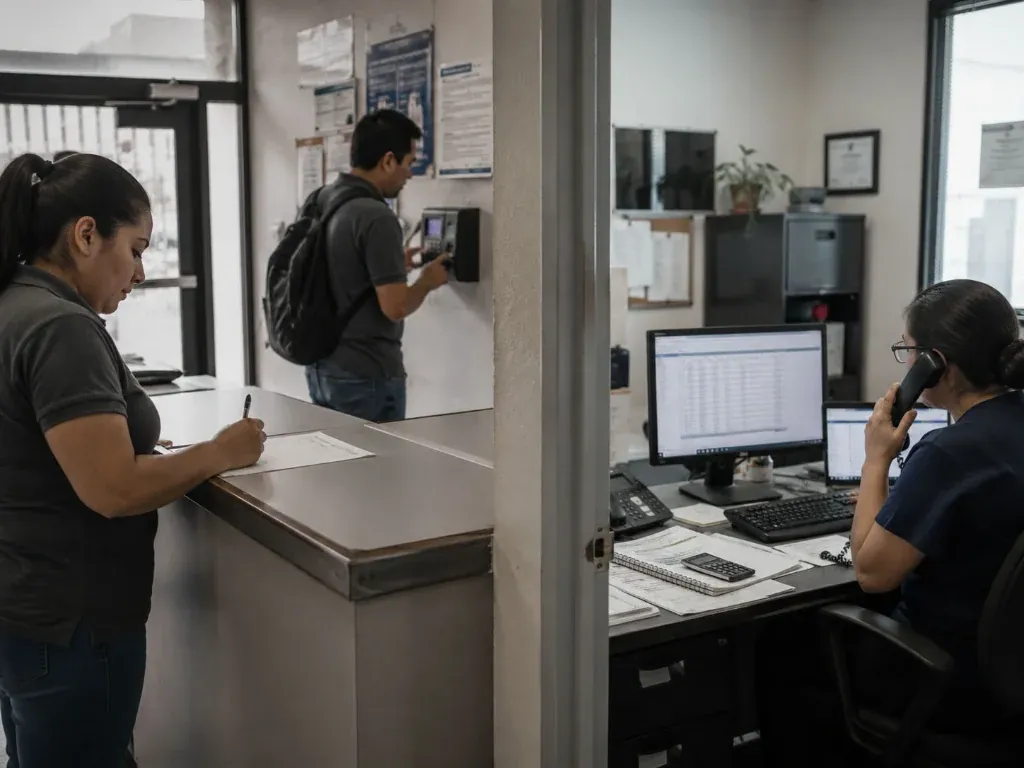
Employees in spreadsheets, shifts by text message, punches on stand-alone clocks, time off by email, and a payroll that gets rebuilt at the end of every period. The problem shows up at the cutoff, when someone has to work out what happened.
Delays at every close
Errors that make it into pay
Decisions made on incomplete information
Not every payroll error starts in payroll. Overtime, time off, and corrections depend on information created long before the calculation. If it arrives incomplete, payroll inherits the problem at the end.
Every location works from its own version. When each site manages positions, people, and shifts its own way, HR ends up assembling one company from several versions of the data.
Attendance has no context. Knowing what time someone clocked in doesn't answer what matters: where they were, which shift they had, what changed, and who approved it.
The period closes while HR is still chasing exceptions. Absences, late arrivals, overtime, and time off get reviewed at the very end. Information helps when it arrives before the cutoff, not when it's time to run payroll.
Time in one tool. Tasks in another. Tasks, hours, owners, and progress aren't always connected to how the company is organized. In the end, someone has to piece the whole story together again.
What if every process fed the next one?
Information moves forward with its context: from how your company is organized to shifts, projects, exceptions, payroll, and insights.
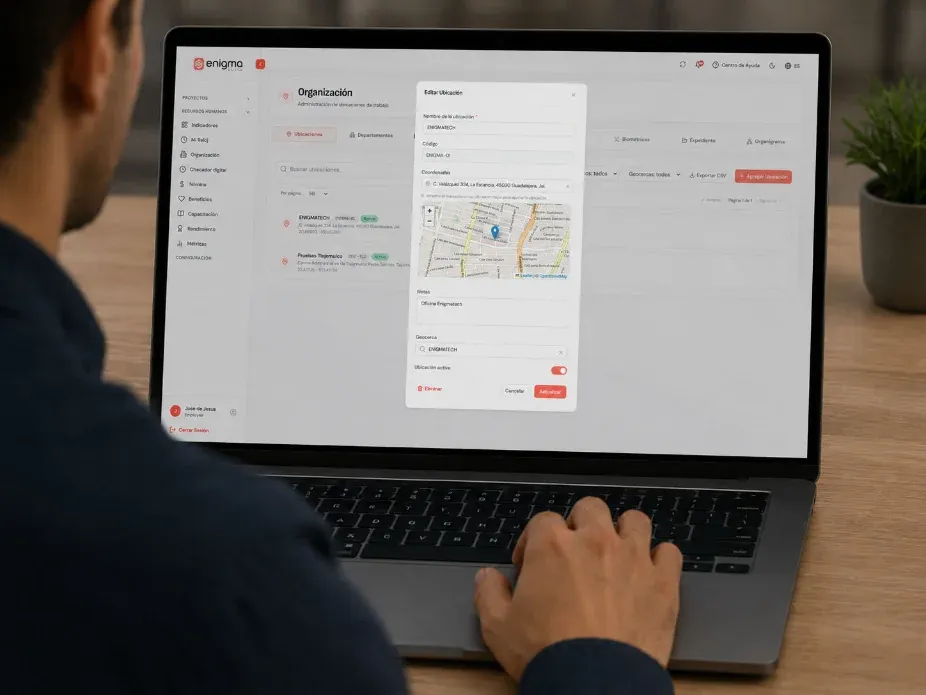
Set up locations, departments, positions, shifts, and people. Everyone starts from the same structure.
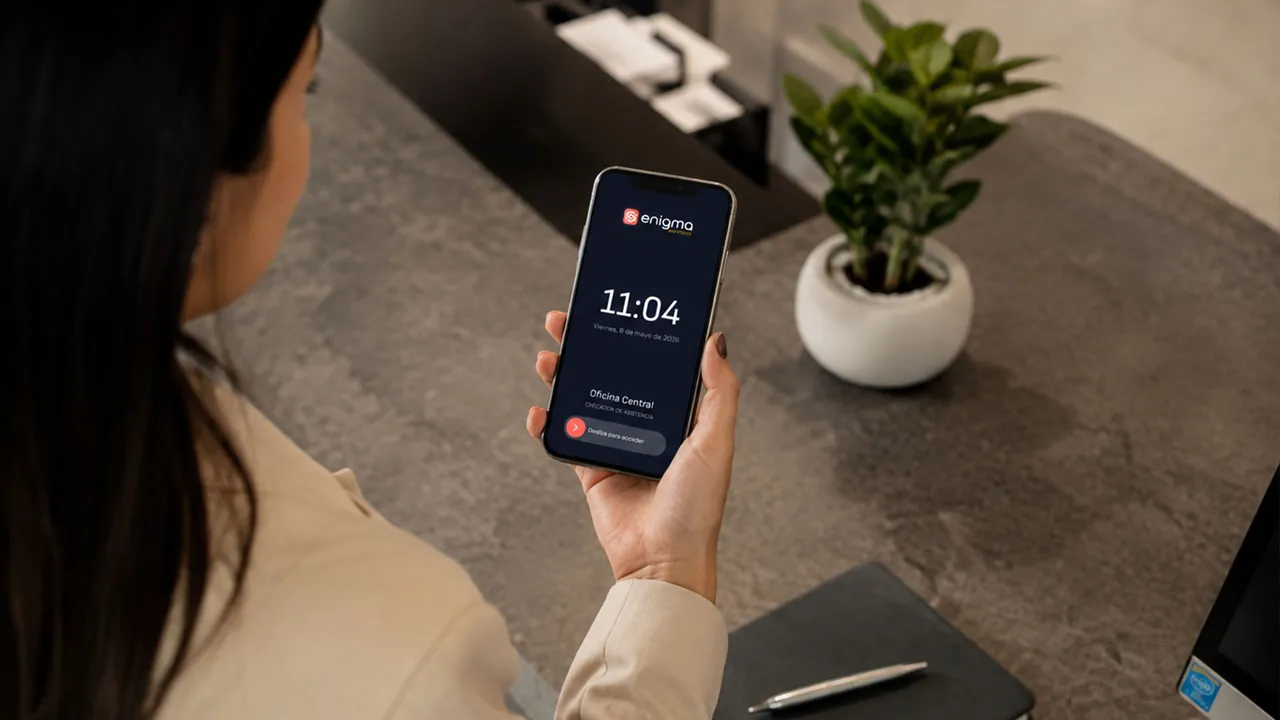
Record attendance, review exceptions, and manage approvals. Every hour keeps what happened around it.
Connect attendance, time off, projects, and employee files with a pay period that closes ready for payroll.
Use insights, talent tools, and integrations to catch the problem before the period ends.
Do you need to change everything on day one?
You don't have to change everything at once. Begin with the module that solves what's most urgent and grow as your operation asks for it.
Insights
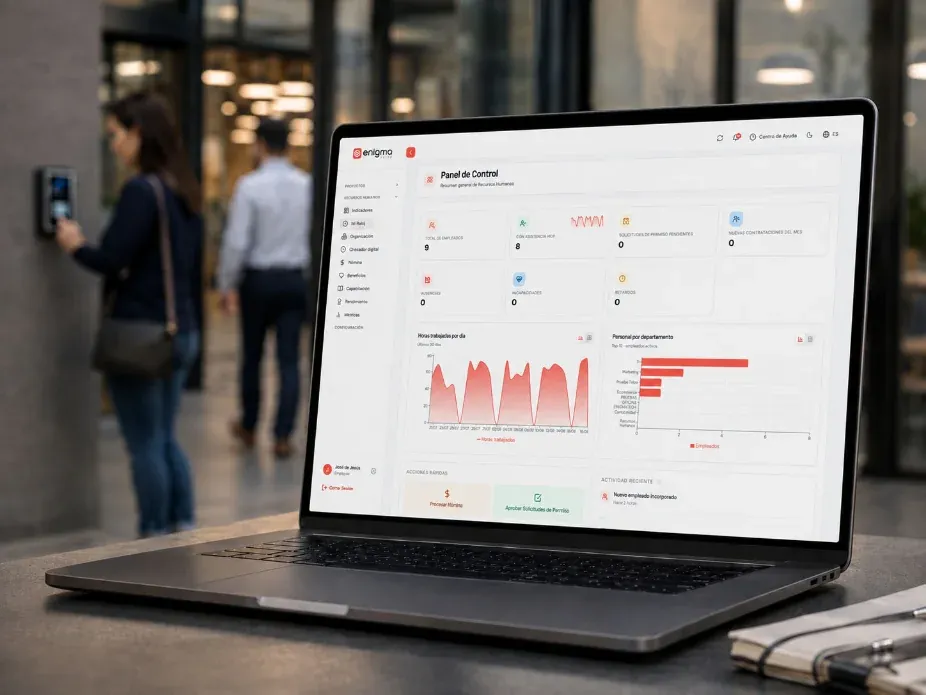
Attendance, punctuality, absences, overtime, period progress, and pending documents in one place, for HR and leadership.
Result: you spot the problem before you have to explain it.
The night shift at Plant 2 has three absences this week.
My Organization
Branches, head office, and remote sites; departments, positions, shifts, people, and a visual org chart.
Result: one source to know who works, where, in which position, and on which shift.
Time Clock
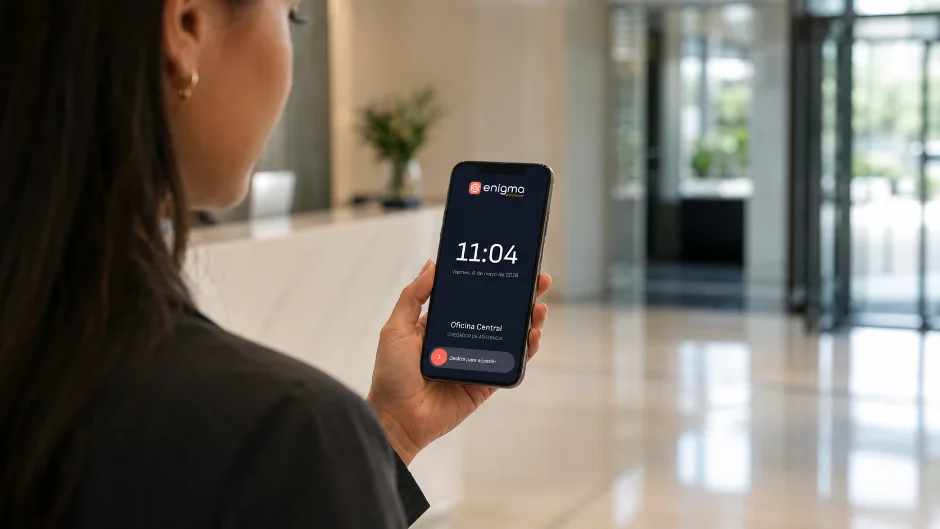
Punches from a phone, a kiosk, or a biometric reader. Review approvals, catch rejected attempts, and see exceptions by period.
Result: less manual reconciliation and more clarity before every cutoff.
Marc asked to correct today's clock-in. Photo and location attached.
Payroll prep
It starts with the attendance, overtime, and time off of the whole period. Workforce closes the period approved and hands it to the payroll provider you already use.
Result: payroll that reflects what really happened in your operation.
Projects
Workspaces by department, board and calendar views, timesheets, and reports by person and by task.
Result: every task and every hour worked keeps its context for follow-up and payroll.
Employee Portal
Their clock, schedule, attendance, vacation, requests, and documents, right from their phone.
Result: less admin work for HR and more autonomy for every employee.
Integrations
Connect your ERP or payroll provider through API, imports, and exports, with field mapping, scheduled syncs, and an activity log.
Result: Workforce adapts to what you already have.
Two transfers failed overnight and were retried automatically.
Does your information move with you?
Twelve steps, one story: information moves forward with its context through the whole employee cycle.
Set up your organization Locations, areas, and positions.
Configure your shifts Schedules, breaks, and rules.
Add your employees Files and enrollment.
Define your projects A workspace per team.
Assign the tasks Owners and due dates.
Log the time Hours by task.
Record attendance Phone, kiosk, or biometric.
Catch exceptions Absences, late arrivals, time off.
Close the period Approved and reconciled.
Send it to payroll Hours ready for your provider.
Check the portal Everyone sees their own.
Review the insights Decide before the next cutoff.
One operation. One story from start to finish.
Solutions by need
Find Enigma Workforce by what you need to solve first.
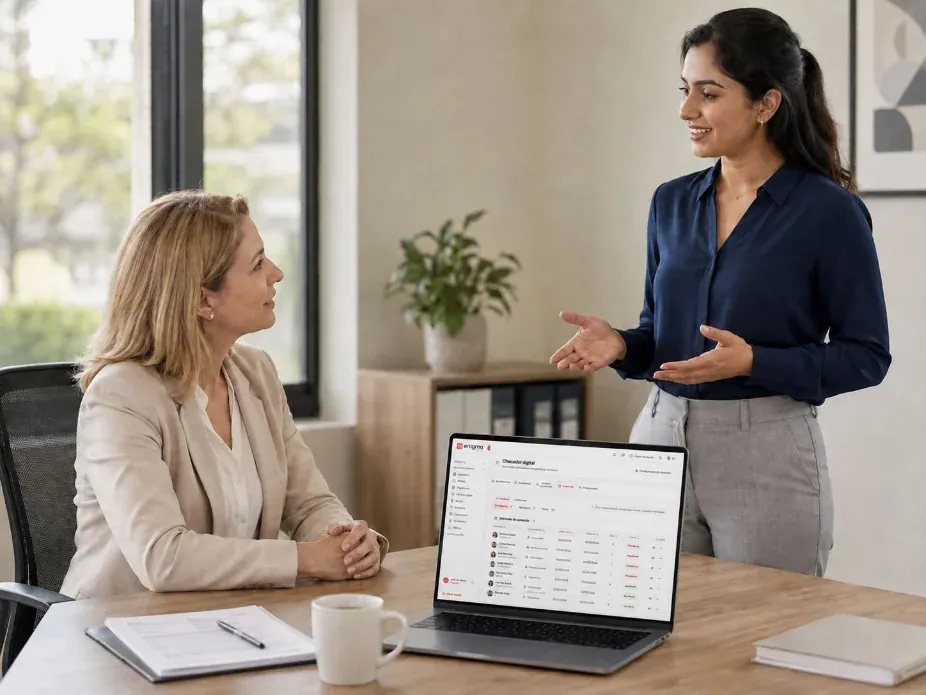
Record clock-ins and clock-outs, manage exceptions, and prepare reports for every period.
Modernize attendance with a clock connected to employees, shifts, exceptions, and reports.
Verify identity and reduce incorrect punches with enrollment and verification.
Bring attendance, rules, locations, and insights from every site into one view.
Manage people who work on routes, job sites, service calls, or changing locations.
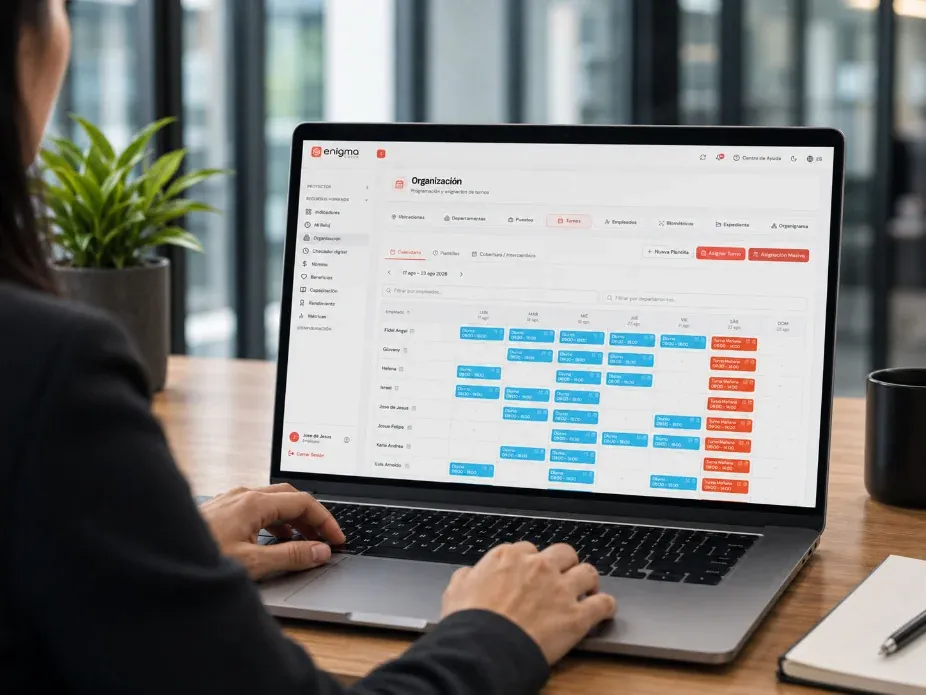
Create shifts, assign schedules, and see coverage by area, location, or team.
Bring hours, absences, late arrivals, time off, overtime, and approved time into a clear process before payday.
Organize your team's work, assign owners, follow progress, and connect time spent with your HR processes.
Review, organize, and keep track of the employee documents your company needs.
Does your technology adapt to your operation?
Manage rotating shifts, plant staff, time clocks, exceptions, internal projects, and training.
Connect warehouses, distribution sites, drivers, shifts, operational tasks, and attendance reports.
Manage store staff, schedules, attendance, exceptions, shifts, and insights by store.
Manage job sites, field crews, attendance, tasks by project, exceptions, and operational reports.
Coordinate office, technical, and service teams with projects, tasks, schedules, and attendance.
Connect Workforce with your systems to sync employees, structure, attendance, exceptions, and reports.
Why pay for what you don't need?
Your proposal is built around:
Number of employees
Locations
Active modules
Kiosks
Integrations
Level of implementation
Start with what you need today. Expand the ecosystem when your operation calls for it.
No two companies have the same number of employees, locations, systems, or processes.
Resources
Practical reading for HR, Operations, and leadership on attendance, scheduling, payroll prep, and teamwork.
Attendance · 5 min read
A spreadsheet works while one person tracks a small team in one place. Add shifts, locations, overtime, or field staff, and it only records what someone had time to type in.
Read article
Payroll prep · 5 min read
A pay period closes on time when hours and exceptions are approved during the period, not on the last day. Five habits and a weekly review get approved hours ready before the cutoff.
Read article
Operations · 5 min read
One version of attendance takes rules written down in one place, one owner at each site, and a single system where every punch lands, whatever method each location uses to clock in.
Read article
What if implementation started from how you already work?
It isn't about changing overnight how your company works. Our team works with you to define the structure, import your information, configure the rules, and prepare every owner before launch.
01 Assessment First we understand how your company works today.
02 Configuration We translate that operation into structure, permissions, shifts, and workflows.
03 Activation We launch the modules you really need.
04 Training Every user learns their part of the process.
05 Follow-through We make sure the operation keeps working after launch.
Questions
No. Time Clock is one of the main modules of the ecosystem. Workforce also connects your organization, projects, payroll prep, employee records, the employee portal, talent, insights, and integrations.
Yes. You can start with the most urgent module and activate others as your company needs them.
Work locations, departments, positions, shifts, employees, biometric enrollment, and a visual org chart.
Yes. The Projects module organizes tasks, workspaces, reported time, timesheets, and reports by employee or by task.
Workforce prepares everything payroll needs: approved hours, overtime, and time off for each period. It then sends that information to the payroll provider you already use, so nothing gets re-keyed.
Yes. Workforce integrations connect your ERP and payroll provider through API, imports, exports, and scheduled syncs.
Yes. In the Employee Portal each person sees their information, clock, schedule, attendance, vacation, requests, and documents.
Book a demo
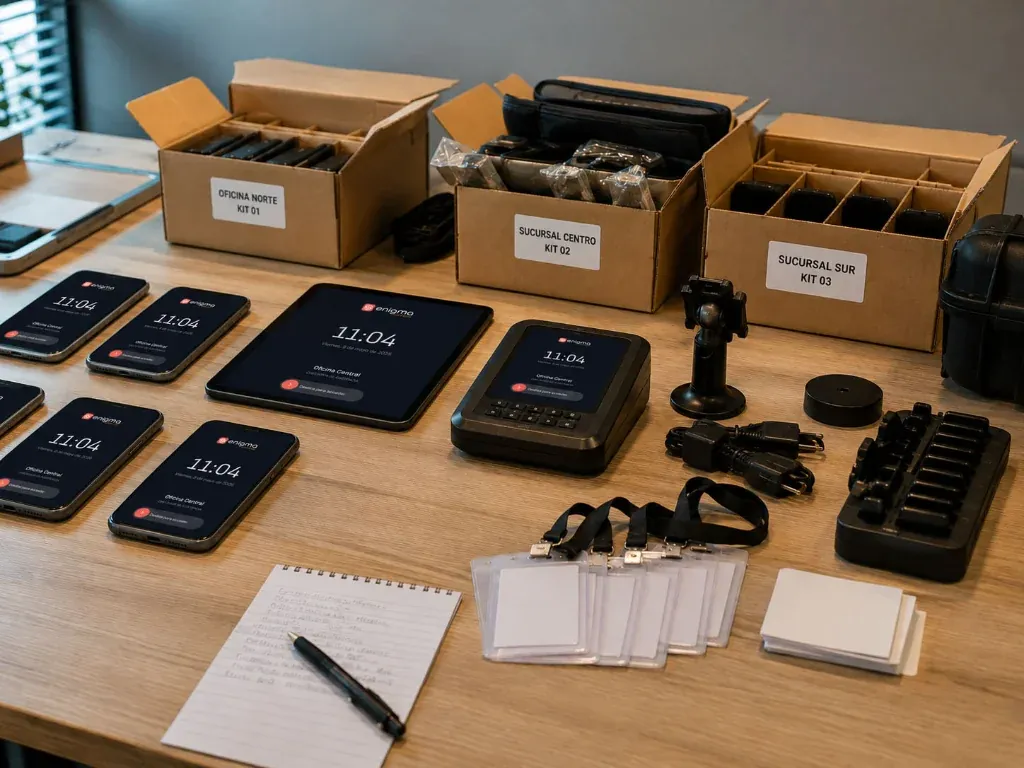
Tell us how you manage employees, shifts, attendance, projects, and payroll today. We'll show you how to set up Enigma Workforce around your company.
Start with Time Clock or activate the modules your company needs.
What happens next
You tell us how you work today One form, two minutes.
We show it on your own operation Your shifts, your locations, and your pay periods.
You receive your configuration The modules to start with, in writing.
Tell us how many people you have and what you want to solve first. We'll show you the modules that fit your operation.
Personalized demo · No commitment
We use what you send us only to answer your request. See our privacy notice .
Enigma Workforce is the modular workforce ecosystem that connects your organization, attendance, projects, payroll prep, records, and insights. Part of EnigmaSuite .
My Organization
Time Clock
Projects
Payroll prep
Employee Portal
Employee Records
Insights
Talent and Development
Integrations
Time and attendance
Digital time clock
Biometric time clock
Field teams
Shift scheduling
Payroll prep
Manufacturing
Logistics
Retail
Construction
Services
Companies with an ERP
Book a demo
Pricing
Resources
Customer sign-in
Privacy notice
Trust center
Español
English









 See the platform
https://enigmaworkforce.com/workforce/en
Time and attendance
Tell us what you need to solve We'll show you the modules that fit your operation. Book a demo
Manufacturing Rotating shifts and plant staff.
Pricing
Resources
ES
Attendance · 5 min read Spreadsheets vs. a time clock: when manual tracking stops working A spreadsheet works while one person tracks a small team in one place. Add shifts, locations, overtime, or field staff, and it only records what someone had time to type in. Read article
Payroll prep · 5 min read How to close the pay period without chasing timesheets A pay period closes on time when hours and exceptions are approved during the period, not on the last day. Five habits and a weekly review get approved hours ready before the cutoff. Read article
Operations · 5 min read Attendance across multiple locations: one version for every site One version of attendance takes rules written down in one place, one owner at each site, and a single system where every punch lands, whatever method each location uses to clock in. Read article
Talk to a specialist
privacy notice
EnigmaSuite
Customer sign-in
Trust center